🎨
UI/UX Design
Professional UI/UX Design Invoice Template - Free Download
Create professional UI/UX design invoices in 30 seconds. Download free templates or use our mobile app for instant PDF generation.
Create professional UI/UX design invoices in 30 seconds. Download free templates or use our mobile app for instant PDF generation.
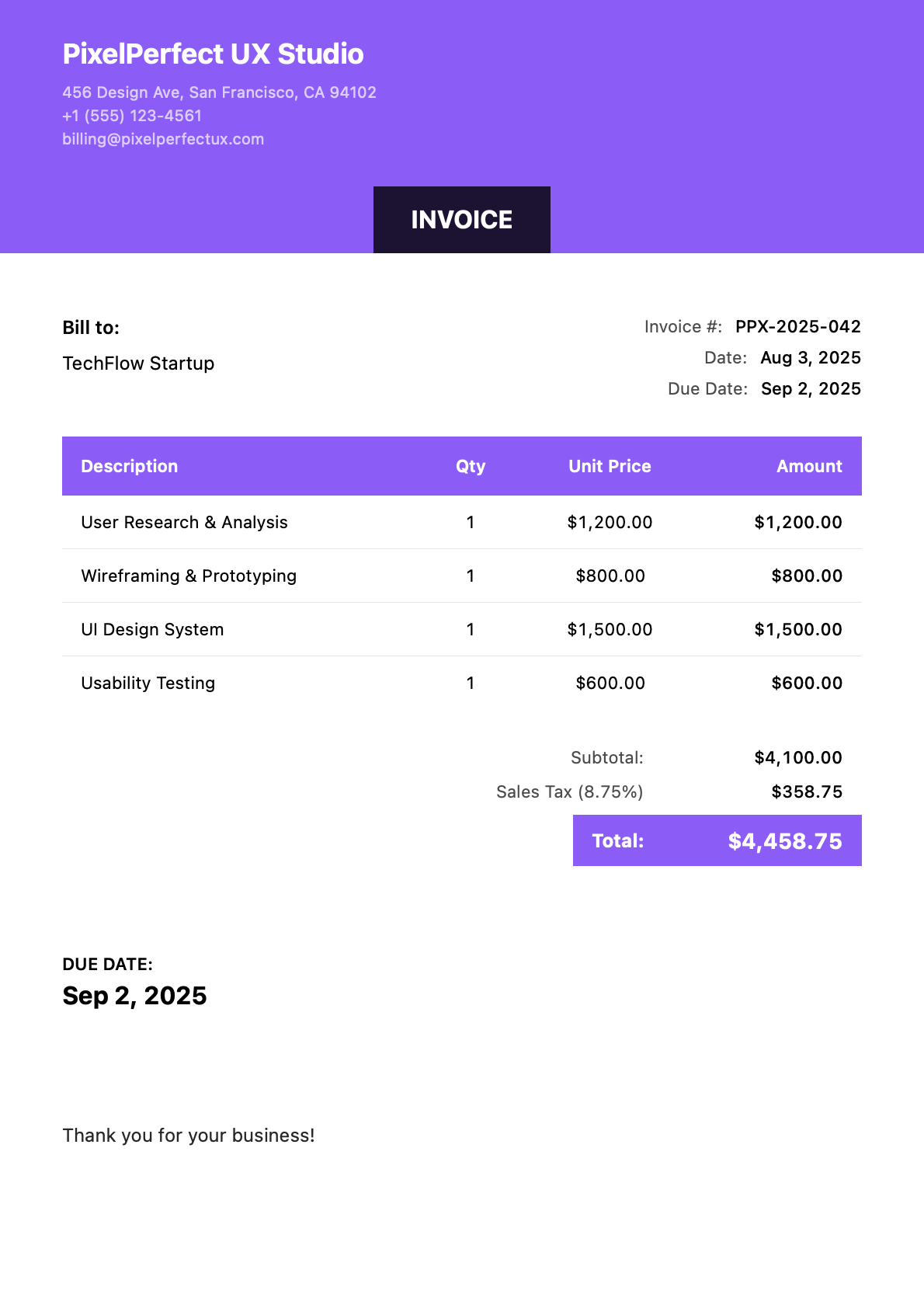
Professional invoice templates designed specifically for ui/ux design services. Each example uses realistic project details and industry-standard pricing.
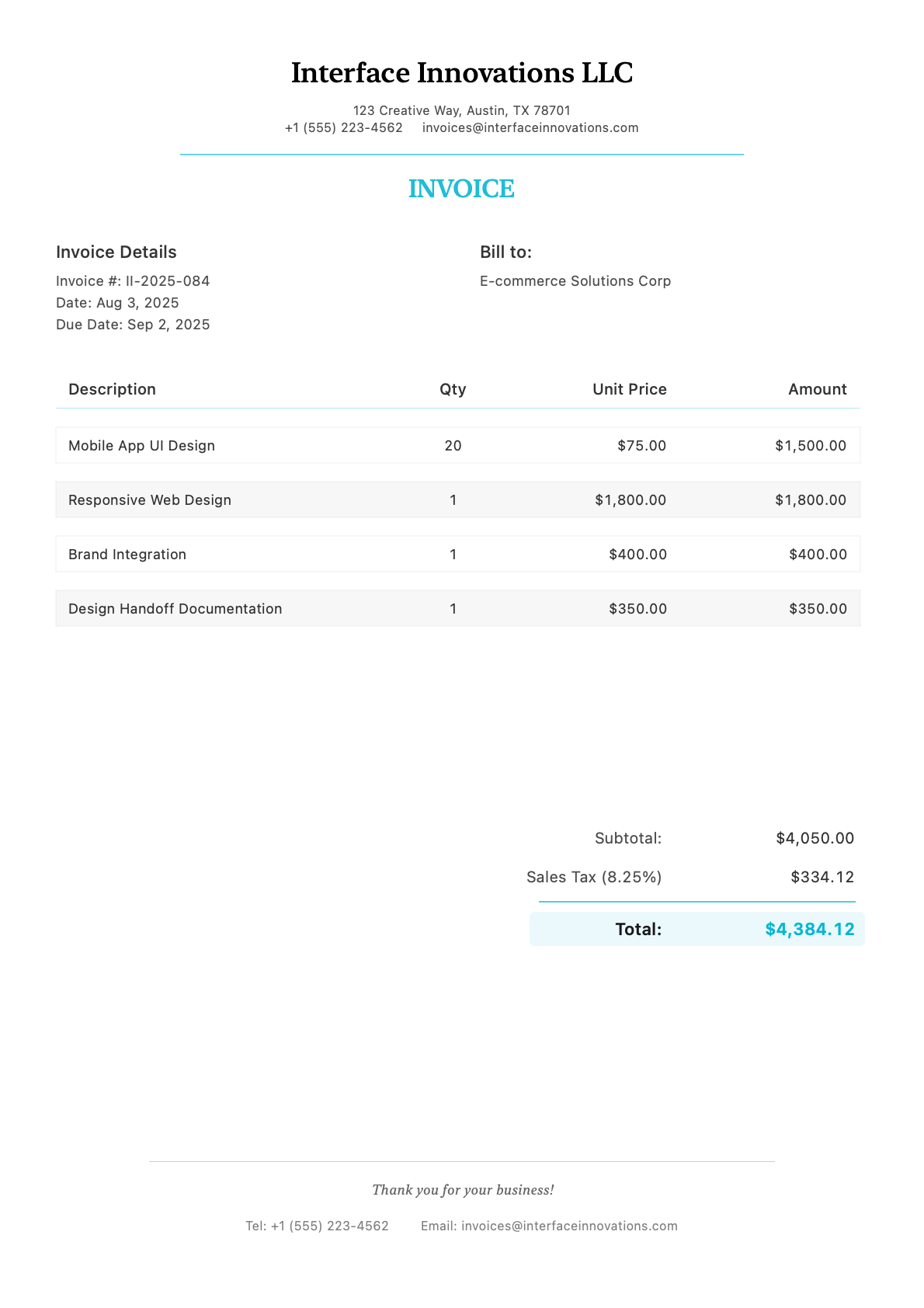
Client: E-commerce Solutions Corp
Invoice #II-2025-084
Create Similar Invoice
Create invoices on-site using your iPhone or iPad. No desktop required.
From project details to professional PDF in under 30 seconds.
Industry-specific templates with your branding and color scheme.
Get paid faster with professional UI/UX design invoices created in under 30 seconds. Whether you’re billing for user research, design systems, prototyping, usability testing, or full product design sprints, InvoiceZap’s UI/UX design-specific templates include all the line items, project phases, and pricing structures that product designers and UX consultants rely on.
Bill Between Client Meetings: Wrap up a design review, invoice for the sprint before you leave the client’s office. Mobile invoicing keeps your billing current without disrupting your creative flow.
Phase-Based Project Structure: Break complex product design work into discoverable phases—research, wireframing, visual design, testing—with clear pricing for each stage.
Professional Credibility: Your invoice should reflect the same attention to detail and polish as your Figma files. A clean, well-organized invoice reinforces your professional brand.
Fast Turnaround: Email or AirDrop invoices directly to clients. No fumbling with desktop apps when you’re working from a co-working space or client site.
| Service Type | Description | Typical Rate Range | Unit |
|---|---|---|---|
| UX Audit | Heuristic evaluation, competitive analysis | $1,500 - $5,000 | Per Audit |
| User Research | Interviews, surveys, usability studies | $150 - $300 | Per Hour |
| User Personas & Journey Maps | Research synthesis deliverables | $500 - $2,000 | Per Set |
| Information Architecture | Site maps, navigation structures | $750 - $2,500 | Per Project |
| Wireframing | Low-fidelity screens and flows | $100 - $200 | Per Screen |
| Prototyping | Interactive Figma/Framer prototypes | $150 - $250 | Per Screen |
| UI Design (High-Fidelity) | Production-ready visual designs | $150 - $300 | Per Screen |
| Design System Creation | Component library, tokens, documentation | $5,000 - $25,000 | Per System |
| Usability Testing | Test planning, facilitation, analysis | $2,000 - $8,000 | Per Study |
| Design Handoff | Developer documentation, Zeplin/Figma specs | $50 - $100 | Per Screen |
| Accessibility Audit | WCAG compliance review | $1,500 - $5,000 | Per Audit |
Rates vary significantly by market, experience level, and client type. Senior designers and specialized consultants command premium rates.
Hourly Billing: Standard for ongoing retainers, consulting, and flexible scope work. Track time in design tools or time-tracking apps and bill at your hourly rate.
Per-Screen Pricing: Quote a fixed price per screen delivered. Works well for defined projects where screen count is known. Typical: wireframe rate + UI design rate per screen.
Project-Based (Fixed Fee): Quote a total project price covering discovery through delivery. Best for well-scoped projects. Include defined deliverables and revision rounds.
Sprint-Based: Bill in 1-2 week design sprints. Common for product teams: “2-week discovery sprint: $12,000” or “$8,000 per design sprint.”
Retainer Agreements: Monthly retainers guarantee availability and income. Example: “$10,000/month for 40 hours of design support.”
Complex UI/UX projects should be invoiced by phase:
Discovery & Research (20-30% of project)
Information Architecture & Wireframing (20-25%)
Visual Design (30-35%)
Testing & Iteration (10-15%)
Handoff & Documentation (5-10%)
Should I charge per screen or by the hour? Per-screen works well for production UI design with defined deliverables. Hourly is better for research, consulting, and exploration work where scope is uncertain. Many designers use hybrid billing: fixed fee for defined screens, hourly for revisions beyond scope.
How do I invoice for design system work? Design systems are typically project-based with milestone billing. Example: 25% on kickoff, 25% at component audit completion, 25% at design token delivery, 25% at documentation completion. Include maintenance retainer options for ongoing updates.
What payment terms are standard? NET 15 or NET 30 for ongoing clients. For new clients or large projects, request 50% upfront with balance due at project completion or at defined milestones.
How do I handle scope creep and additional revisions? Your contract should define revision rounds (typically 2-3). Invoice additional revisions at your hourly rate with a separate line item: “Additional revision round: 4 hours @ $175/hr.” Document the request in invoice notes.
Should I charge for client meetings and calls? For hourly clients, yes—bill for all time including meetings. For project-based work, include reasonable meeting time in your fee but invoice separately for excessive meetings or scope expansion discussions.
Phase Tracking: Organize line items by project phase for clear scope documentation.
Screen Count Tracking: Invoice by the screen with automatic calculation at your per-screen rate.
Deliverable References: Link to Figma files, prototypes, or shared folders.
Revision Documentation: Track revision rounds completed against scope.
Sprint Billing: Set up recurring sprint invoices for product team retainers.
Ready to streamline your UI/UX design billing? Download InvoiceZap and create your first professional UI/UX design invoice today.
InvoiceZap - Professional invoicing made simple for UI/UX designers, product designers, and UX consultants.
Join thousands of ui/ux design using InvoiceZap
Create Your UI/UX Design Invoice Now