Free Invoice Templates Gallery - Professional Designs for Every Business
Browse our complete collection of professional invoice templates. Download free templates or create custom invoices instantly with InvoiceZap.
Templates
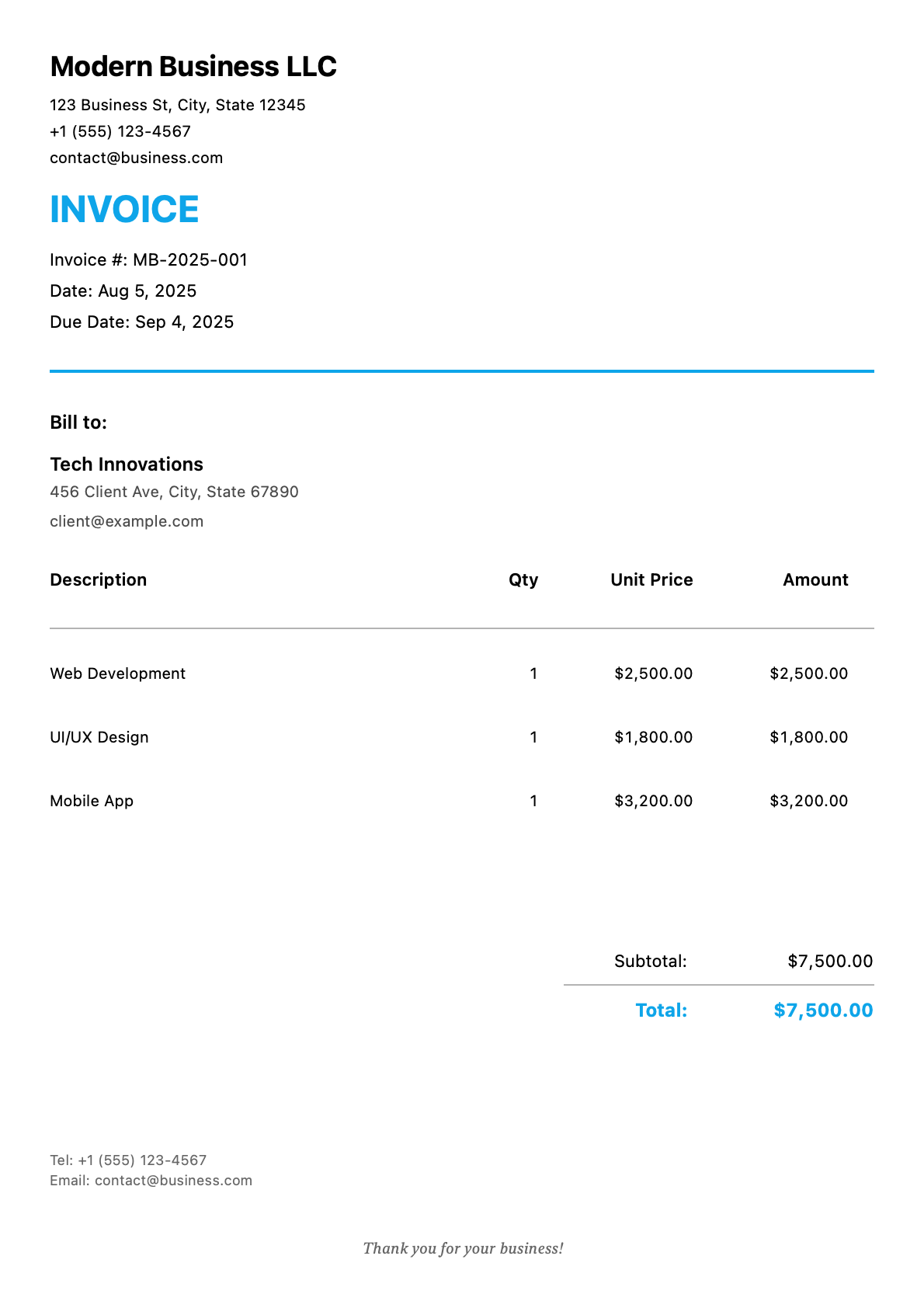
Modern Professional
Clean design with strategic color accents
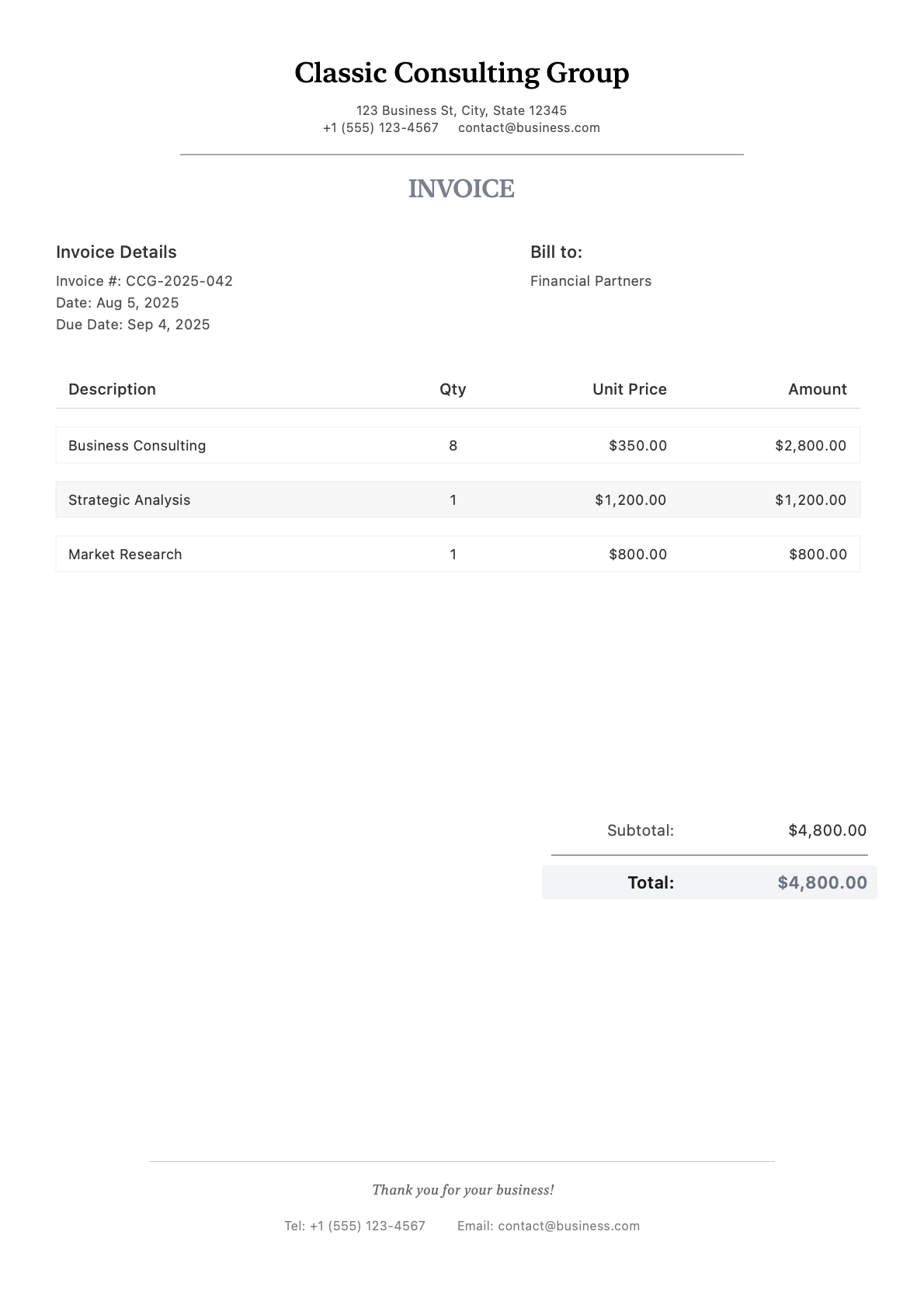
Classic Business
Traditional layout for professional services
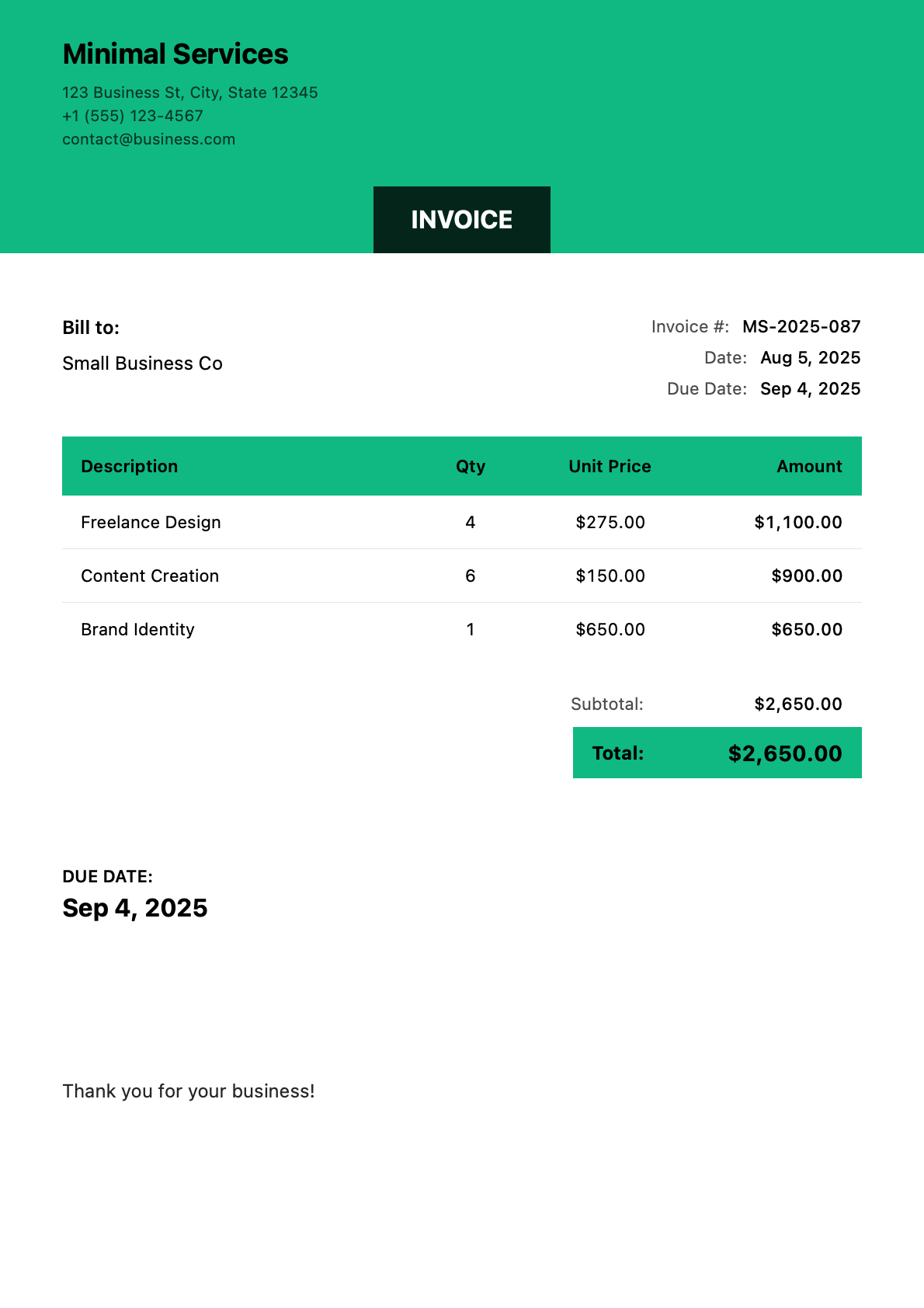
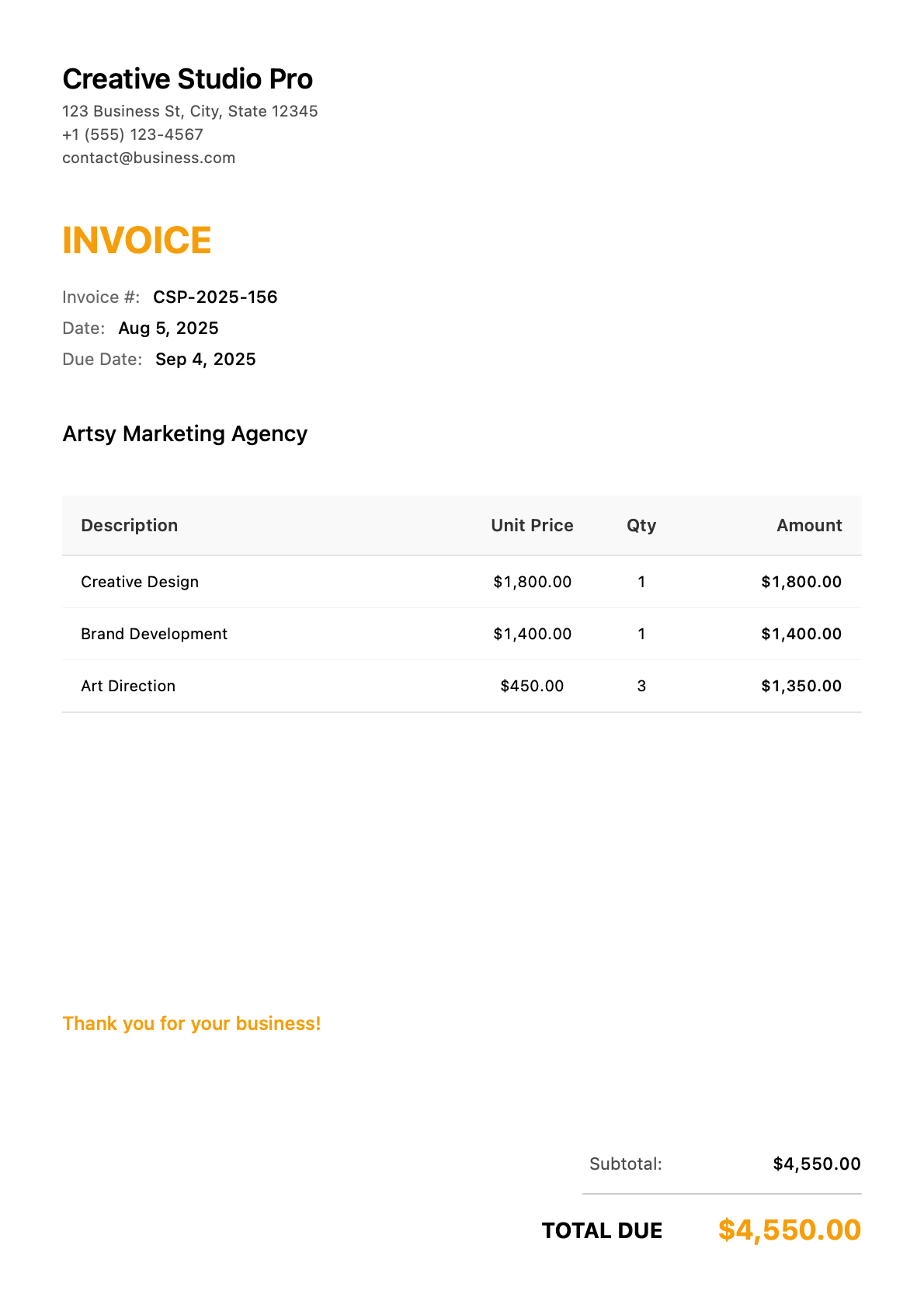
Colorful Creative
Vibrant design for creative professionals
Professional Invoice Template Gallery
You’ve finished the work. The client is happy. Now you need an invoice that looks as professional as your service—without spending 20 minutes wrestling with Word documents or Excel formulas.
That’s exactly why we built this template gallery. Every design here is ready to use in under 30 seconds on your iPhone, iPad, or Mac.
Why Your Invoice Template Matters
Your invoice is often the last impression clients have before they pay. A clean, professional invoice:
- Gets paid faster – Clients trust professional-looking documents
- Reduces payment disputes – Clear line items prevent “What’s this charge?” emails
- Reinforces your brand – Consistent branding builds credibility
- Saves your time – Templates eliminate repetitive formatting work
Template Styles for Every Business
| Style | Best For | Key Features |
|---|---|---|
| Modern Professional | Tech, consulting, creative agencies | Bold typography, strategic color accents, clean layout |
| Classic Business | Legal, accounting, financial services | Traditional layout, conservative colors, formal structure |
| Minimal Clean | Freelancers, small businesses | White space focus, simple typography, essential info only |
| Colorful Creative | Designers, artists, marketing agencies | Vibrant colors, visual hierarchy, brand personality |
What Every Template Includes
Design Features:
- Clean, readable layouts optimized for both screen and print
- Professional typography that works on any device
- Strategic use of color and spacing
- Mobile-optimized display for on-the-go invoicing
Built-in Functionality:
- Automatic tax calculations (configurable rates by region)
- Multiple currency support (USD, EUR, GBP, CAD, AUD, and more)
- Payment terms and due date tracking
- Line item management with quantity and unit pricing
- Subtotal, tax, and total calculations
Full Customization:
- Upload your business logo in any common format
- Match colors to your brand identity
- Add complete business information and payment terms
- Include notes, terms and conditions, and thank-you messages
How to Choose the Right Template
For Service Professionals (Contractors, Cleaners, Handymen): Choose Minimal Clean or Modern Professional. These templates emphasize line items clearly, making it easy for clients to see exactly what they’re paying for.
For Creative Professionals (Designers, Photographers, Writers): Choose Colorful Creative or Modern Professional. These showcase your brand personality while maintaining professionalism.
For Professional Services (Consultants, Accountants, Lawyers): Choose Classic Business. Traditional layouts convey trust and authority appropriate for high-value professional relationships.
Industry-Specific Templates
We’ve created specialized invoice templates optimized for specific industries:
| Industry | Template Focus | Common Line Items |
|---|---|---|
| Construction & Trades | Materials + labor separation, progress billing | Labor hours, materials, permits, equipment rental |
| Home Services | Service packages, recurring billing | Deep clean, regular maintenance, add-on services |
| Creative Services | Project milestones, usage rights | Design concepts, revisions, final deliverables |
| Professional Services | Hourly/retainer billing | Strategy sessions, analysis, reports |
| Health & Wellness | Session packages, insurance compatibility | Treatment sessions, packages, products |
Getting Started in 4 Steps
- Download InvoiceZap – Available free on iPhone, iPad, and Mac
- Set Up Your Business Profile – Add your logo, business name, and contact info once
- Choose Your Template – Pick from 6 professional designs
- Create Your First Invoice – Generate a polished PDF in under 30 seconds
Frequently Asked Questions
How much do the templates cost? All 6 templates are included with InvoiceZap. The app offers a 3-day free trial with full access to all features. After the trial, choose a subscription plan that fits your needs.
Can I customize the templates with my logo and colors? Yes. Every template supports custom logo upload, brand colors, and complete business information. Your branding appears on every invoice you create.
Do templates work for international invoicing? Absolutely. InvoiceZap supports multiple currencies and tax formats. You can configure tax rates, currency symbols, and date formats for your region.
What format do the invoices export in? InvoiceZap generates professional PDF files that you can share via email, text message, AirDrop, or any other sharing method. PDFs look identical on every device.
Can I create different templates for different clients? Yes. You can save multiple business profiles with different branding, making it easy to invoice under different business names or for different service types.
Do I need an internet connection to create invoices? No. InvoiceZap works completely offline. Create, edit, and save invoices without an internet connection—sync when you’re back online.
InvoiceZap Pro Features
Free with InvoiceZap:
- All 6 professional template designs
- Full customization options
- Unlimited invoice creation
- PDF export and sharing
- Client management
InvoiceZap Pro adds:
- Remove “Made with InvoiceZap” footer for pure white-label invoices
- Advanced color customization options
- Additional template variants
- Priority customer support
Ready to create invoices that get you paid faster? Download InvoiceZap and start using these templates today.