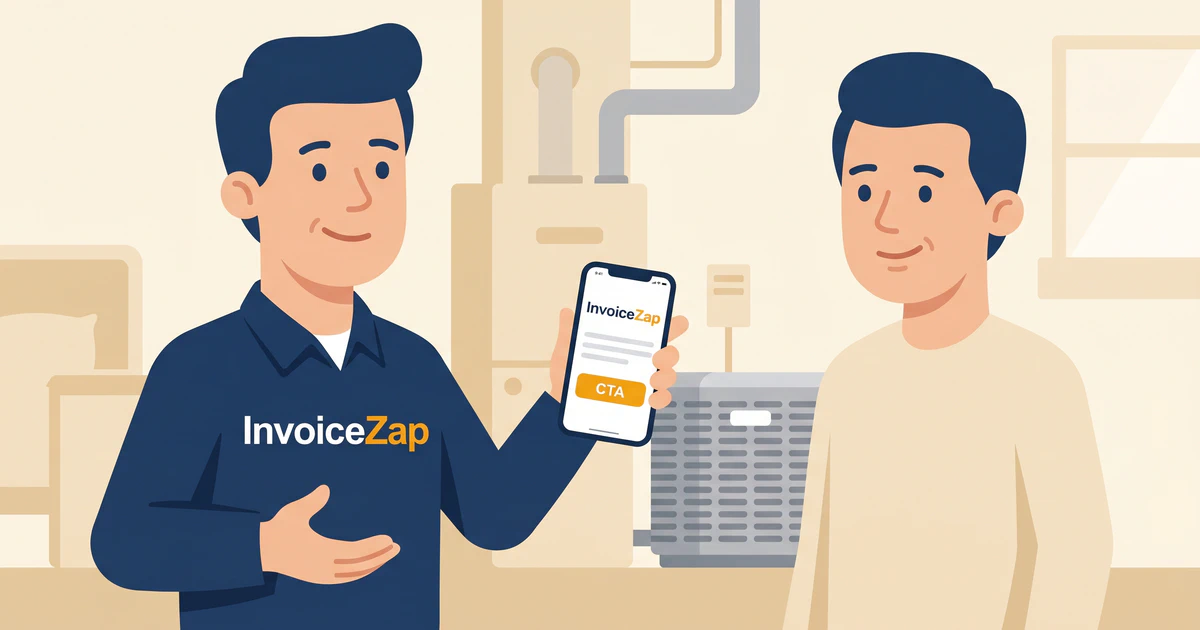
It’s 4:30 PM on a Friday in mid-July. The attic you’ve been working in for the last three hours feels like an oven, but the new evaporator coil is finally installed. You flip the breaker, the condenser hums to life, and cold air starts pouring out of the vents. The homeowner is thrilled.
The hard work is done. Now it’s time to get paid.
But instead of a smooth handoff, you head out to your blazing hot van. You dig through the glovebox for your carbon-copy invoice book, try to find a pen that hasn’t dried out in the heat, and spend the next 15 minutes scribbling down part numbers and labor hours. Your handwriting is barely legible, and by the time you hand the smudge-covered pink copy to the customer, you look exhausted and disorganized.
Or maybe you use a massive desktop accounting system. So instead of billing on-site, you tell the customer, “I’ll email you the invoice tonight.” You drive home, eat dinner, and then spend another hour sitting at your laptop, trying to remember exactly which capacitor you used so you can send the bill.
If either of these scenarios sounds familiar, your field service workflow is costing you money, time, and professional credibility.
In the HVAC industry, the gap between completing the job and sending the invoice is where cash flow goes to die. But by upgrading your workflow with a dedicated mobile invoicing app, you can eliminate this gap entirely, look incredibly professional, and get your evenings back.
The Problem with Traditional Field Service Billing
Running a successful HVAC business requires massive technical knowledge. You need to understand thermodynamics, electrical systems, and complex mechanical equipment. Yet, many highly skilled technicians let their businesses suffer because of outdated administrative processes.
Paper Invoices Are Costing You Money
Carbon-copy invoice books are cheap to buy but incredibly expensive to use. They get lost in the floorboards of the van. The writing fades. They offer zero professional branding. Most importantly, when a customer receives a hand-written paper invoice, they subconsciously perceive your business as a “chuck-in-a-truck” operation, which makes it harder to justify premium pricing.
The “I’ll Invoice You Tonight” Trap
Waiting until you get home to send invoices is a cash flow killer. When the AC is fixed and the customer’s house is finally cooling down, their gratitude is at its absolute peak. That is the exact moment they are most willing and eager to pay.
By the time they receive your emailed invoice from QuickBooks at 9:00 PM, that peak gratitude has faded. The invoice becomes just another email in their inbox, and your payment gets pushed to the bottom of their to-do list.
For more insights on how timing affects payment, read our guide on how mobile invoicing saves time and helps you get paid faster.
Overcomplicated Software Stops the Flow
Many HVAC owners try to solve this by installing massive, enterprise-level field service management (FSM) software or full accounting suites on their phones. But these apps are often clunky adaptations of desktop software. They require five minutes of tapping, syncing, and navigating complex menus just to generate a basic bill. When you’re sweating in a customer’s driveway, you don’t have time to navigate a chart of accounts.
How to Structure Your HVAC Invoices for Clarity and Profit
A professional mobile workflow isn’t just about the software you use; it’s about how you structure the information. Clear, itemized invoices prevent customer disputes and justify your expertise.
1. Separate Diagnostics from Labor and Parts
Never bundle everything into a single “HVAC Repair” line item. Customers want to see exactly what they are paying for.
Start with your Diagnostic Fee (or Trip Charge). This establishes that your time and expertise in finding the problem have inherent value, regardless of the repair cost.
Next, itemize the major parts used, and separate the labor.
Poor Example:
- AC Repair - $450
Professional Example:
- Diagnostic Service Call - $85.00
- OEM Dual Run Capacitor (45/5 mfd) - $125.00
- Contactor Replacement (2-Pole, 30 Amp) - $90.00
- Labor (1.5 Hours) - $150.00
- Total: $450.00
This level of transparency builds incredible trust. If you need more examples of industry-standard pricing structures, check out our HVAC Invoice Templates reference guide.
2. Document the Equipment Details
Your invoice should serve as a record of the equipment you serviced. In the description or notes section of your invoice, always include:
- Make and Model of the unit
- Serial Number
- Age of the unit (if known)
This protects you against future liability. If you replace a capacitor on a 15-year-old Trane unit, and the compressor fails a month later, your detailed invoice proves exactly what you worked on and what you didn’t.
3. Refrigerant Tracking and Compliance
In the HVAC industry, tracking refrigerant isn’t just a billing issue—it’s an environmental compliance requirement. When you add R-410A or recover R-22, your invoice should clearly reflect the exact weight in pounds or ounces.
Adding specific line items for refrigerant management protects your business during an audit and explains the material costs clearly to the homeowner. For example:
- Refrigerant Recovery and Disposal (EPA Compliant) - $150.00
- R-410A Refrigerant (2.5 lbs @ $65/lb) - $162.50
This level of detail transforms your invoice from a simple bill into a comprehensive service record that homeowners will want to keep for their own maintenance files.
4. Warranty and Maintenance Agreements
A professional invoice is also your best tool for upselling maintenance agreements and managing warranties. If you replaced a part under warranty, list the part but show a $0.00 charge, or clearly mark the warranty labor rate.
Furthermore, you can use the invoice notes section to offer a seasonal maintenance contract. A simple note like, “Ask about our $149 Annual Preventative Maintenance Plan to keep your new compressor running efficiently,” turns a routine repair bill into a lead generation tool for recurring revenue.
5. Clear Payment Instructions
Don’t assume the customer knows how to pay you. Your invoice must explicitly state your accepted payment methods. If you accept checks, list who they should be made out to. If you take bank transfers, include the routing information.
By removing all friction from the payment process, you ensure you get paid faster.
The 30-Second Mobile Workflow with InvoiceZap
To fix your field service billing, you need a tool built specifically for speed and mobility. You need to be able to create a flawless invoice in the time it takes to walk from the condenser unit back to the customer’s front door.
This is exactly why InvoiceZap was built. It strips away the complex accounting features you don’t need in the field and focuses entirely on generating professional invoices with blazing speed.
Real-Time On-Site Billing
With InvoiceZap, the workflow changes completely. When the job is done, you pull out your iPhone. Because the app is mobile-first and incredibly fast, you can generate a professional, branded PDF invoice in under 30 seconds.
You ring the doorbell, hand the customer their phone to review the digital invoice, and they can see the exact breakdown of the work while their house is actively cooling down. You capture their peak gratitude, and they hand you a check or process a transfer right there on the spot.
Pre-Saved Item Catalogs
You shouldn’t have to type out “Dual Run Capacitor” or “Emergency After-Hours Diagnostic Fee” every time you do a job. InvoiceZap allows you to save your standard services and parts into a catalog.
When you’re building an invoice, you just tap the items you need, adjust the quantities, and the app calculates the totals instantly. It’s faster than writing on paper and far more accurate.
If you also handle related trades, this catalog system works beautifully across disciplines. See how this translates in our Plumbing Invoice Template Guide.
Professional Branding That Justifies Your Rates
When a customer receives an InvoiceZap PDF, they see your crisp logo, your brand colors, and a beautifully formatted document. It looks like it came from a massive, highly-organized corporation, even if you are a one-man shop.
This level of professionalism subliminally tells the customer that your prices are justified because they are dealing with a serious, established business. For tips on how to craft the perfect descriptions to accompany that branding, read our guide on writing invoice descriptions that get approved fast.
The Takeaway: Stop Leaving Money in the Van
Your technical skills are what fix the AC, but your administrative workflow is what builds a profitable business. Every minute you spend wrestling with paper invoices or complex desktop software is a minute you aren’t running another service call or spending time with your family.
By upgrading to a mobile-first invoicing solution, you eliminate the friction between doing the work and getting paid. You present a highly professional image to your customers, reduce disputes through clear itemization, and most importantly, you capture payment when the customer is most grateful for your service.
Ready to revolutionize your field service workflow? Download InvoiceZap free and start your 3-day trial. Experience how easy it is to create a professional HVAC invoice in under 30 seconds, right from your iPhone. Leave the paper in the glovebox and start billing like a pro.
Ready to Streamline Your Invoicing?
Create professional invoices in 30 seconds with InvoiceZap's mobile-first design. No sign-up required.
Try InvoiceZap FreeTags: