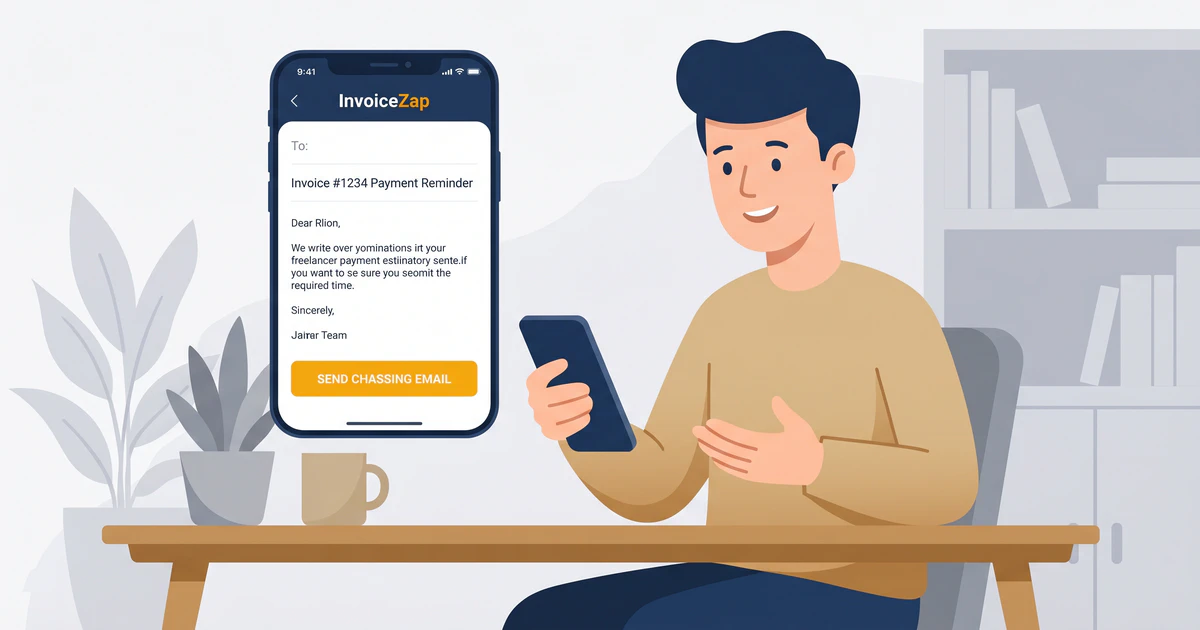
You’ve delivered the work, the client loved it, and you sent the invoice weeks ago. Now, you’re staring at a blank email draft, trying to figure out how to ask for your money without sounding desperate, aggressive, or ruining the relationship.
I’ve been there. We’ve all been there. Hitting “send” on a payment reminder often feels surprisingly uncomfortable. You worry that you’re bothering the client or that an overdue invoice implies they aren’t trustworthy.
Here’s the thing: asking for money you’ve already earned isn’t rude. It’s a fundamental part of running a business. Most clients aren’t actively trying to avoid paying you. Usually, your invoice just got buried under a mountain of emails, or the accounting department needed a nudge.
Instead of writing a new, emotionally charged message every time a payment slips past its due date, you need a system. Having a proven chasing payment email template for every stage of the collection process removes the emotion from the equation and gets you paid faster.
Why Chasing Payment Feels Awkward (And How to Fix It)
When you’re an independent professional—whether you’re running a cleaning service or building websites—you wear every hat in the business. You’re the talent, the account manager, and the collections department.
This creates friction. You spend weeks building a positive, collaborative relationship with a client. When it’s time to follow up on a late payment, it feels like you’re suddenly switching from “friendly collaborator” to “debt collector.”
The fix is shifting your mindset. You aren’t demanding a favor; you are completing a standard administrative transaction. Large companies don’t feel guilty when they send you a bill for your internet service. You shouldn’t feel guilty for sending a reminder about your design work or landscaping services.
To make the process painless, separate the relationship from the transaction. Keep your tone neutral, polite, and brief. Never apologize for following up. Phrases like “Sorry to bother you” or “I hate to ask, but…” undermine your professionalism. You provided a service; you deserve compensation.
The Rules of Professional Payment Follow-Ups
Before we look at the specific templates, let’s establish the ground rules for effectively chasing payments. If you break these rules, even the best template won’t save you.
1. Always Include the Original Invoice
Never make the client dig through their inbox to find the document they need to pay. Every single follow-up email should include the original invoice attached as a PDF. Modern invoice apps like InvoiceZap make this process simpler by allowing you to generate and attach a clear, professional PDF in seconds so your client has everything they need.
2. Be Explicit About How to Pay
Confusion delays payment. If your client has to ask “Do you take Venmo?” or “What’s your routing number?”, you’ve added days to the timeline. Your email and your invoice must clearly state your accepted payment methods.
3. Keep It Brief
A late payment email is not the place for a lengthy update on your life or a detailed defense of the work you completed. State the invoice number, the amount due, the due date, and how to pay. That’s it.
4. Stick to a Schedule
Consistency is your best tool. If clients learn that you follow up on day one, day seven, and day fourteen without fail, they will prioritize your invoices to avoid the reminders. Decide on your invoice payment terms and enforce them strictly.
The “Before It’s Due” Check-In
Sometimes the best way to handle a late payment is to prevent it entirely. If you’re dealing with a particularly large invoice or a new client with a complex accounting department, a polite check-in a few days before the due date can work wonders.
When to use it: 3-5 days before the invoice is due. The goal: Ensure they received the invoice and head off any potential administrative delays.
Subject: Checking in: Invoice #[Invoice Number]
Hi [Client Name],
I hope you’re having a great week.
I’m writing to quickly check in on Invoice #[Invoice Number] for [Project/Service Name], which is due on [Due Date].
I’ve attached a copy of the invoice here for your convenience. Could you please confirm that your team has received it and that everything is on track for payment by [Due Date]?
If you need any additional information or have questions about the payment methods listed on the invoice, just let me know.
Best regards,
[Your Name]
The “Day One” Friendly Reminder
The due date has come and gone. It’s day one of the invoice being overdue. At this stage, you must assume positive intent. The client almost certainly just forgot. Your tone should be light, helpful, and completely devoid of accusation.
When to use it: 1-2 days after the due date. The goal: Provide a gentle nudge that assumes the invoice simply slipped their mind.
Subject: Friendly Reminder: Invoice #[Invoice Number] is due
Hi [Client Name],
I hope everything is going well with [mention something relevant to their business or the project].
I’m following up on Invoice #[Invoice Number] for [Amount], which was due yesterday, [Due Date]. I know how easily things can get buried in an inbox, so I’ve attached another copy of the invoice to this email.
You can find all the payment instructions at the bottom of the document. Please let me know if you have any questions or if the payment has already been processed on your end.
Thanks for your business!
Best,
[Your Name]
The “One Week Late” Firm Follow-Up
It’s been a week. The “I just forgot” excuse is starting to wear thin. At this point, you need to be more direct. You’re no longer casually checking in; you are formally requesting an update on a past-due balance.
When to use it: 7-10 days after the due date. The goal: Get a firm commitment on exactly when the payment will be made.
Subject: Overdue: Invoice #[Invoice Number] for [Amount]
Hi [Client Name],
I’m writing regarding Invoice #[Invoice Number] for [Project/Service Name], which is now one week past due. The original due date was [Due Date].
I have not yet received payment for the [Amount] balance. Could you please provide a status update on this invoice and let me know when I can expect the payment to be processed?
I’ve attached the invoice again for your reference. My payment details are included on the document.
Please confirm receipt of this email and let me know when the transfer will be initiated.
Regards,
[Your Name]
The “15 Days Late” Direct Request
At two weeks late, the situation requires your full attention. The tone shifts from polite persistence to clear business boundaries. If you charge late fees, this is the time to mention them.
When to use it: 14-15 days after the due date. The goal: Communicate the urgency of the situation and request immediate action.
Subject: PAST DUE: Invoice #[Invoice Number] - Immediate Action Required
Hi [Client Name],
This is my third communication regarding Invoice #[Invoice Number]. This invoice is now 15 days overdue. The total amount of [Amount] was due on [Due Date].
As a small business, I rely on timely payments to keep operations running smoothly. Please prioritize this payment today.
If there is a specific issue preventing you from processing this invoice, you need to let me know immediately so we can discuss it. Otherwise, please arrange for payment via [Your Preferred Payment Method] by the end of the business day.
I have attached the original invoice. I look forward to your prompt response.
Sincerely,
[Your Name]
The “30 Days Late” Final Notice
When an invoice hits 30 days overdue, you are officially in collections territory. The relationship is likely already damaged, so your primary focus must be recovering your funds. This email should be brief, entirely factual, and outline the next steps you will take if payment isn’t received.
When to use it: 30 days after the due date. The goal: Deliver a final warning before escalating to legal or collections options. For more details on the complete escalation path, read our guide on what to do when clients don’t pay.
Subject: FINAL NOTICE: Unpaid Invoice #[Invoice Number]
Dear [Client Name],
This is my final notice regarding the outstanding balance of [Amount] for Invoice #[Invoice Number], which is now 30 days past due. I have attempted to contact you on [Date 1], [Date 2], and [Date 3] without resolution.
Please be advised that if payment is not received in full by [Final Deadline, usually 3-5 days out], I will have no choice but to escalate this matter. [Optional depending on your terms: This may include applying late fees of X%, engaging a collections agency, or pursuing legal action.]
I want to avoid taking these steps, but I need this invoice settled immediately.
Please confirm that payment has been submitted today.
Regards,
[Your Name]
How to Avoid Chasing Payments in the Future
While these templates will help you recover overdue funds, your ultimate goal should be never having to use them.
The best defense against late payments is a flawless invoicing process from day one. When your invoices are confusing, lack clear instructions, or look unprofessional, clients will naturally deprioritize them.
Here’s how this looks in practice. InvoiceZap creates professional invoices with built-in payment instructions in 30 seconds. Instead of wrestling with a messy spreadsheet, you open the app, tap a few details, and generate a pristine PDF that leaves absolutely no room for client confusion.
Clear invoices get paid faster. By ensuring your terms, due dates, and payment methods are bold and legible, you remove the administrative friction and confusion that quietly drives a large share of late payments. You can read more about getting paid faster with smart timing strategies.
Always agree on terms before the work begins. If a client knows you expect payment within 14 days, they can prepare their accounting department. Surprising them with a “Due Upon Receipt” invoice for a large project practically guarantees a delay.
Bottom Line: Protect Your Cash Flow
Chasing payments is the least glamorous part of running an independent business, but it’s arguably the most important. Don’t let fear of awkwardness stop you from collecting the money you’ve earned.
Use these templates to build a systematic follow-up process. Send the day-one reminder without hesitation, escalate professionally, and protect your boundaries.
Ready to stop wrestling with invoices and start looking like the professional you are? Download InvoiceZap free on your iPhone, iPad, or Mac and create clear, professional invoices in under 30 seconds.
Ready to Streamline Your Invoicing?
Create professional invoices in 30 seconds with InvoiceZap's mobile-first design. No sign-up required.
Try InvoiceZap FreeTags: